Find the proportion.
Try different photographic aspect ratios over the live camera view. See how a change in the frame changes the composition.
MatteView / Composition & previsualization
Compose inside a realistic photo matt, try aspect ratios and matt colors, use guides when structure matters, then save with or without the matt.
Compose first. Then shoot.
When you are looking at the real world, composition can feel overwhelming. Your eye has to sort through edges, distractions, color, shape, light, and space all at once.
MatteView gives your eye a boundary. A realistic photo matt around the live camera view turns the scene in front of you into something framed, formal, and intentional before you press the shutter.
It is a previsualization tool for composition, framing, and photographic judgment.
For photographers, artists, designers, collectors, and anyone who wants to see more clearly before they shoot.
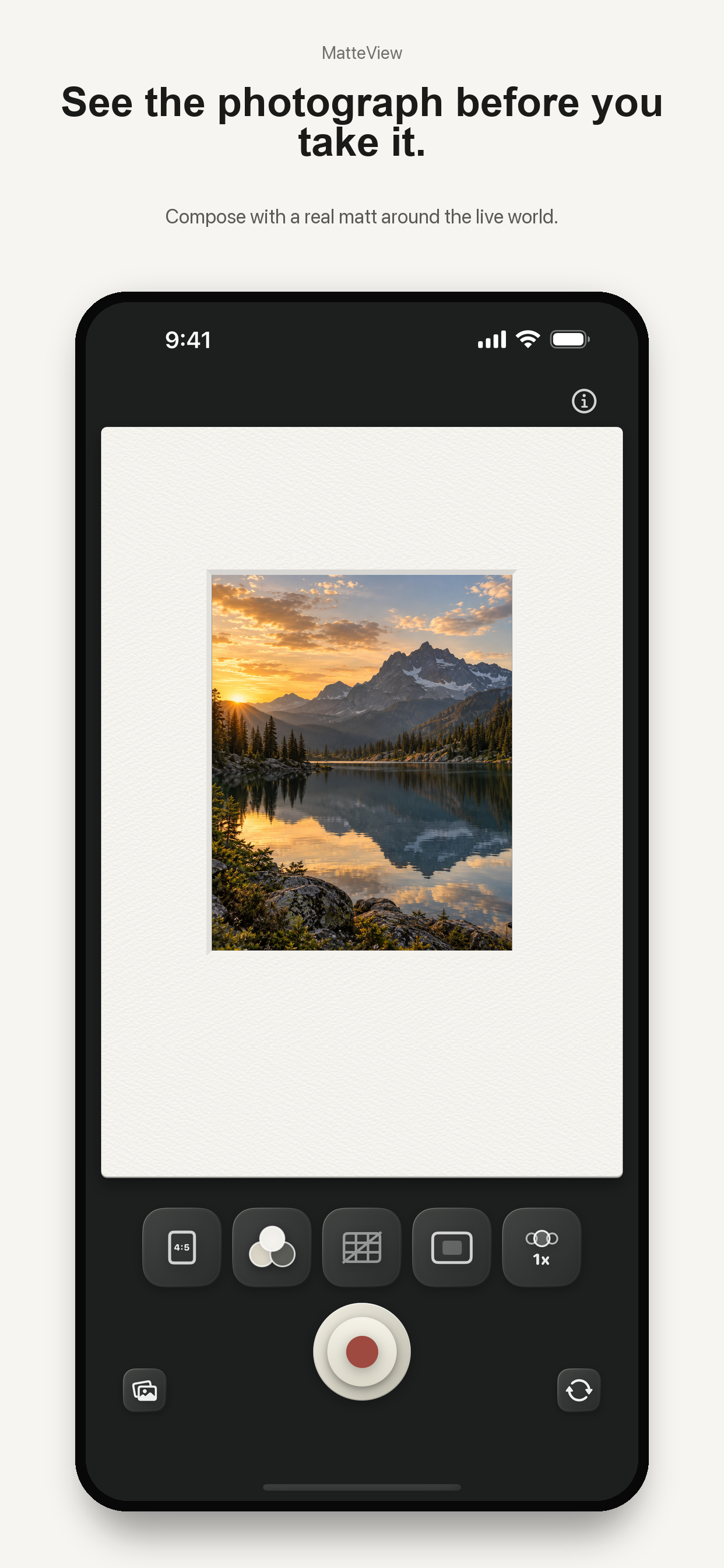
Try different photographic aspect ratios over the live camera view. See how a change in the frame changes the composition.
Choose a matt color and use framing guides when structure matters. Adjust the camera zoom before you shoot.
Capture directly from the live preview. Save with the matt to keep that framed presentation, or without it for the photograph alone.
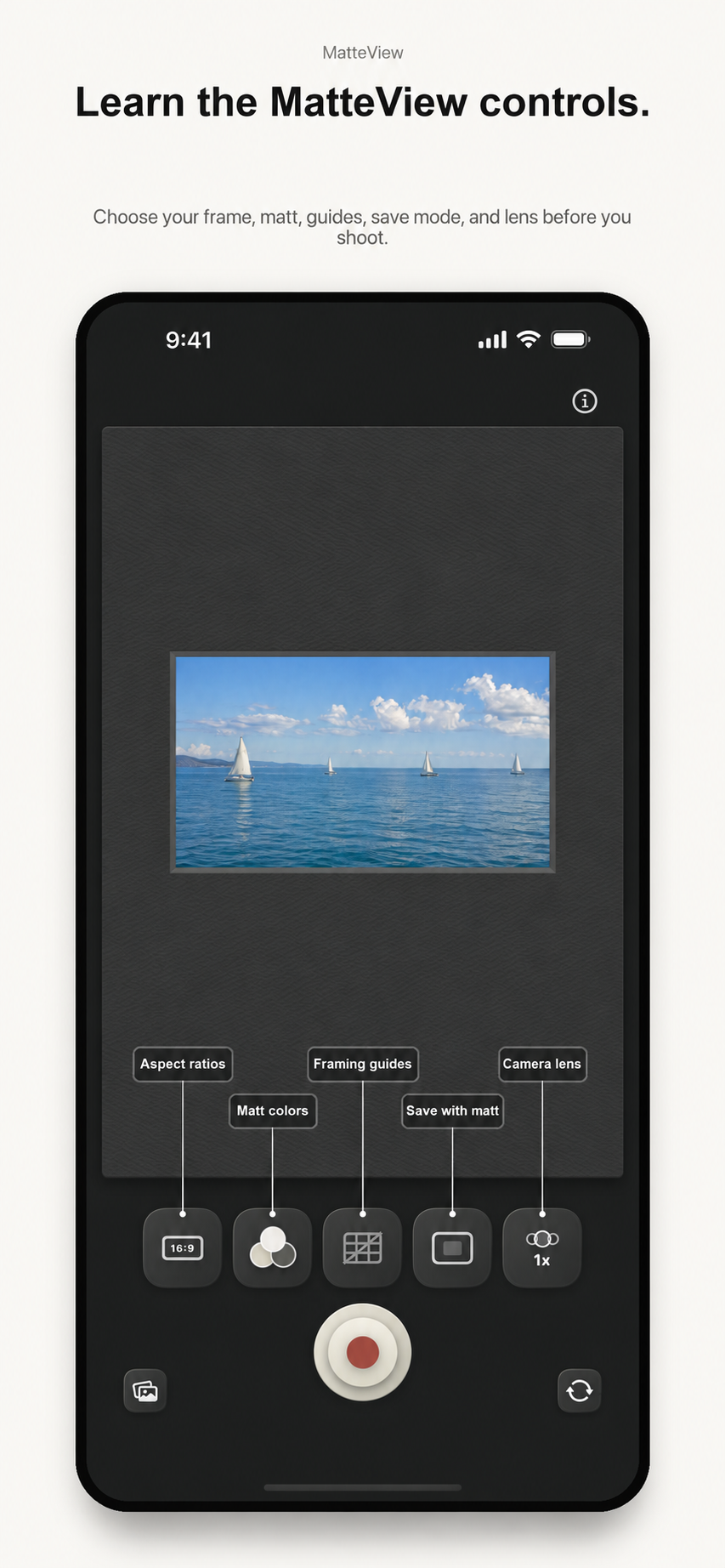
A few controls. A clear purpose.
MatteView processes photos locally on your device. It saves to Photos when you choose to save, and does not require an account.
Read the privacy policyMatteView is available for iPhone and is made by Mattebox Labs LLC.
Get MatteView